
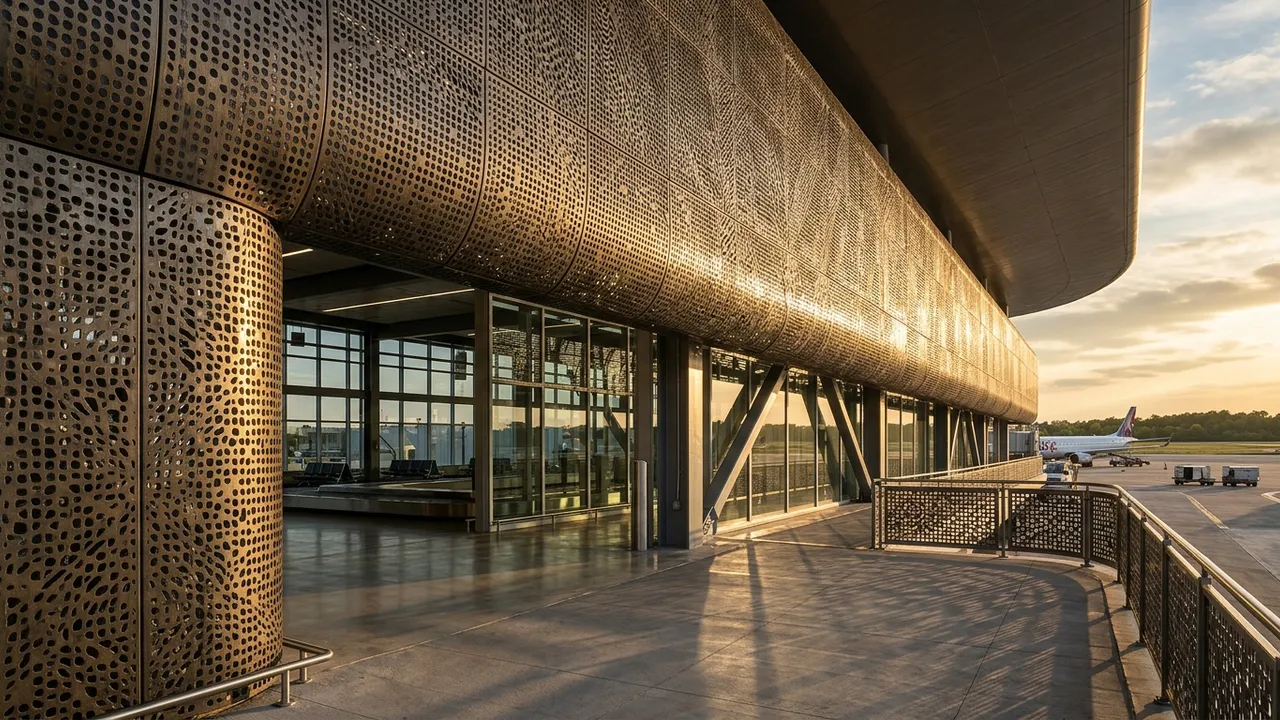
Generated with Style2AI - this is actual product output, not a stock photo.
Study perforated metal screen facades and their moire and shading effects from a sketch or model in a secure, NDA-compliant workspace. Your data stays yours and is never used for training. Test perforation patterns and density in seconds.
Technical specifications
| Supported inputs | Sketch, 3D-model screenshot, or CAD export (PNG, JPG) |
|---|---|
| Output type | Perforated metal facade render |
| Output resolution | Up to 4K (Pro) / 8K (Studio) |
| Export formats | PDF, Excel takeoff (.xlsx), DXF, PNG |
| Turnaround | Seconds-minutes (vs days traditionally) |
| Data privacy | NDA-compliant - your IP stays yours - no model training |
How it works
- Upload your facade view to the secure workspace.
- Select the perforated metal screen workflow.
- Prompt the perforation pattern, density, and finish.
- Generate options to compare shading and transparency.
- Export at up to 4K/8K.
One workspace, the whole deliverable set
The render is step one. The same secure project also produces the documentation and presentation material around it:
Renders & visualization
Photorealistic stills up to 4K/8K, style and ambiance control, camera angles, upscaling, and inpaint editing. Learn more →
360° panoramas & video
Immersive 360° panoramas clients can look around, plus AI walkthrough video from stills or text. Learn more →
Elevations & CAD export
Styled elevations and true vector exports - DXF for AutoCAD, SVG, and PDF - from any render or photo. Learn more →
Schedules & specifications
18 professional list types: FF&E and finish schedules, CSI MasterFormat specs, material takeoffs, shopping lists, and cost estimates - exported to Excel, PDF, or Word. Learn more →
Mood & material boards
Presentation-ready mood boards, labeled material boards, and FF&E palettes in your project's visual language. Learn more →
Design canvas & diagrams
An infinite canvas with sheets, annotation, and AI tools, plus concept diagrams extracted from your imagery. Learn more →
Try this workflow in your secure, NDA-compliant workspace.
Your project IP stays yours. No model training on your data.
Open Secure WorkspaceFrequently asked questions
Can I vary perforation density?
Yes. Prompt the open-area percentage and pattern to study shading effects.
Does it show the screen depth from the wall?
Yes - prompt the offset to express the screen layer and shadow.