One Render In, a Walkthrough Video Out
Still images convince the eye; motion convinces the gut. How the video workflow turns a render or a text prompt into a short cinematic clip — and where short-form AI video genuinely fits in client work.
There is a moment in almost every client presentation where a still render hits its ceiling. The room is beautiful, the light is right, and the client says: *"can you walk me through it?"*
Traditionally, the honest answers were all bad: a full animation costs serious money and weeks of lead time; a real-time engine flythrough needs a finished, materialed model and a capable machine; and panning across a still in PowerPoint fools nobody.
So we added a fourth answer: generate the walkthrough.
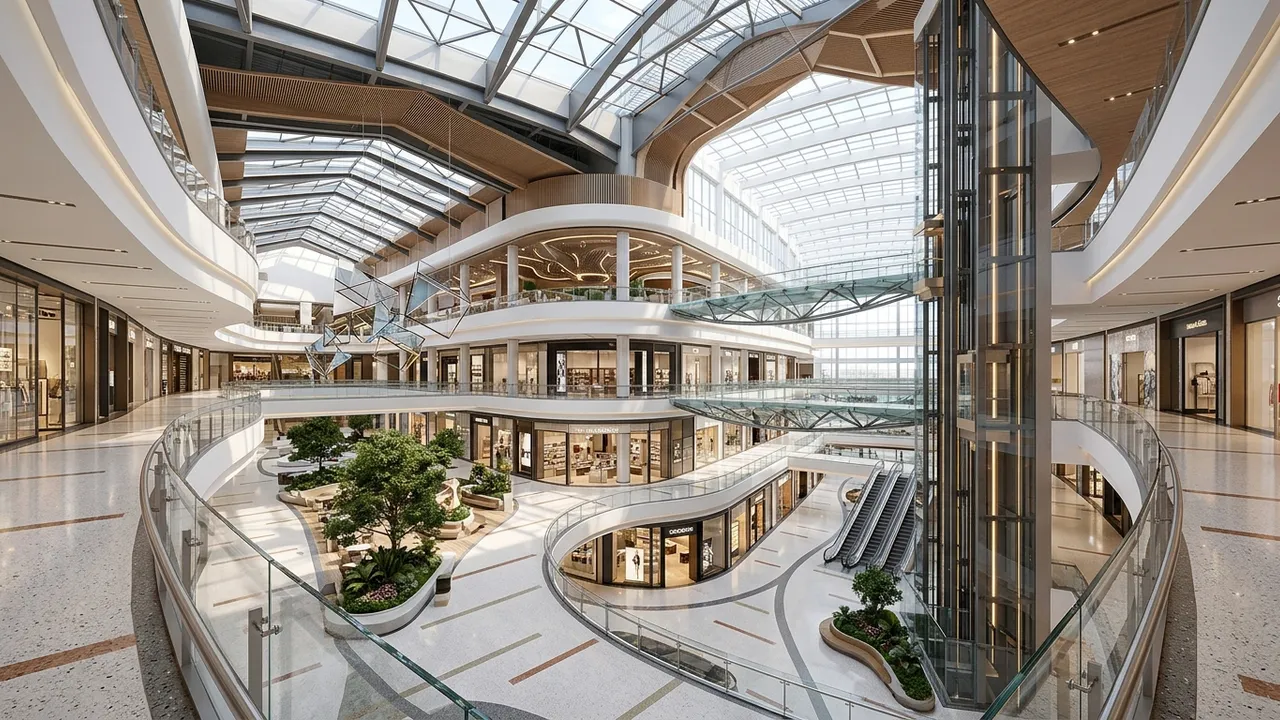
How the workflow actually works
The Video page gives you two starting points:
1. From a still you already have. Take a render from your gallery — or one you generated thirty seconds ago — and prompt the motion: *"slow push-in toward the window wall, late afternoon light."* The clip animates from your image, so the space in motion is the space you designed.
2. From start and end frames. Pick two stills — say, the entry view and the living room — and the video bridges them. This is the closest thing to a guided walkthrough: you control where the journey begins and ends, the model fills the path.
There is also pure text-to-video for concept energy, and a set of presets for common moves so you are not writing cinematography prompts from scratch.
What short AI video is genuinely good at
We want to be precise here, because AI video is the most over-hyped corner of this entire industry. What works, in real client situations:
- The reveal moment. A 6-second push through the kitchen at golden hour does something to a client that no still achieves. It is the difference between seeing a space and *being in* one.
- Listings and pre-sales. For developers and agents, motion is the difference between a scroll-past and a stop. A clip built from your hero render gives a listing life without a videographer.
- Social proof of work. Studios post these clips constantly — they perform dramatically better than stills on LinkedIn and Instagram, and they are a five-minute byproduct of work you already did.
- Design storytelling inside the team. Quick motion studies of how a space sequences — cheap enough to be disposable.
What it is not
Let us keep our own marketing honest:
- These are short cinematic clips, not a five-minute narrated fly-through of the whole building. Think moments, not movies.
- Motion is generated, which means it is interpreted. Camera paths are convincing; they are not surveyed. For a frame-precise animation tied to exact geometry, a traditional animation pipeline still earns its fee.
- Video costs more credits than stills — that is honest physics, video models are expensive to run — so the workflow that works is: converge on the design with stills, then spend video credits on the views that earned it.
A practical recipe
The pattern our heaviest users have settled into:
- Generate and iterate stills until the design conversation is settled.
- Pick the two or three hero views — the ones the client already reacted to.
- Animate those: one push-in, one reveal, maybe one start-to-end bridge.
- Lead the next meeting (or the listing, or the post) with motion; keep the stills as the working set.
| Use the still when... | Use the clip when... |
|---|
| Reviewing design options | The decision is made and you are selling it |
| Printing boards | Presenting on a screen |
| Documenting the package | Opening the meeting or the listing |
Where each clip ends up
Worth being concrete about destinations, because the same clip gets cut differently depending on where it lives:
- The client meeting wants one clip, full width, played once at the moment of decision. Resist the montage instinct — a single confident move lands harder than five.
- The listing page wants the loop: a seamless 6-10 seconds that plays silently while the visitor reads. Motion holds attention; sound gets muted anyway.
- LinkedIn and Instagram want the before-after arc — open on the sketch or massing for half a second, then the rendered motion. The transformation is the content; the design is the proof.
And a small craft note from watching hundreds of these: the clips that feel professional are the *slow* ones. The model can generate dramatic swooping moves, and they read as video-game footage. A patient push-in reads as cinema. Prompt accordingly.
Try it on your best render
If you already have a render you love, this takes two minutes: open Style2AI, go to Video, pick the image, prompt the move. If you are starting from nothing, the video generation page walks through it. Either way — the next time a client says *"walk me through it,"* you can just press play.
*Stills in this post: Style2AI output, as always.*
← Back to the Style2AI Newsroom